
Hervé
-
Posts
10098 -
Joined
-
Last visited
-
Days Won
569
Content Type
Profiles
Articles, News and Tips
Forums
Everything posted by Hervé
-
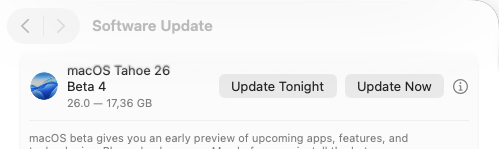
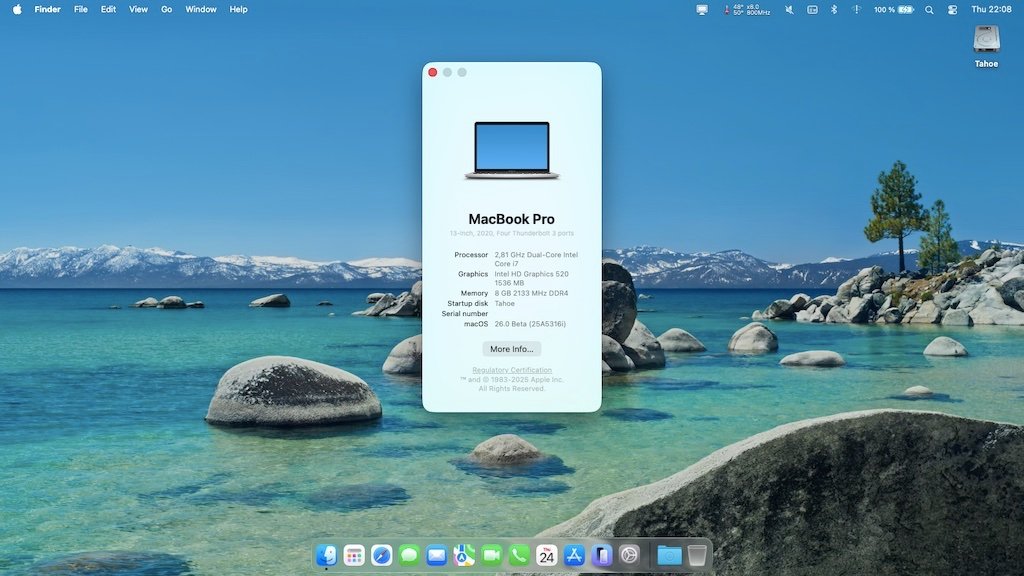
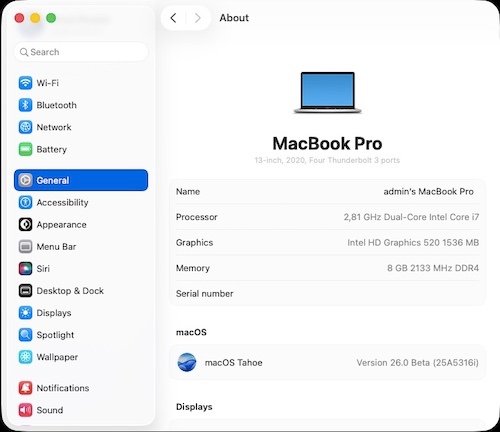
Released July 22nd, 2025. Build 25A5316i. Available through OTA updates. Same Clover bootpack as for beta 1 to beta 3.

-
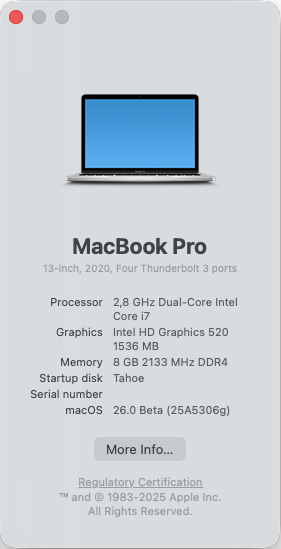
Released July 7th, 2025. Build 25A5306g. Available through OTA updates though I did a fresh install after I screwed up my beta 2 installation. Beta 3 installed without signing in my Apple account in order to avoid Vault encryption. Nice new wallpaper/screensaver. Same Clover bootpack as for beta 1 and beta 2.
-
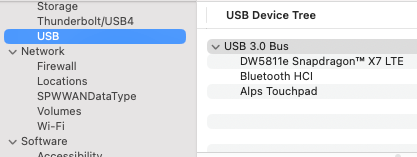
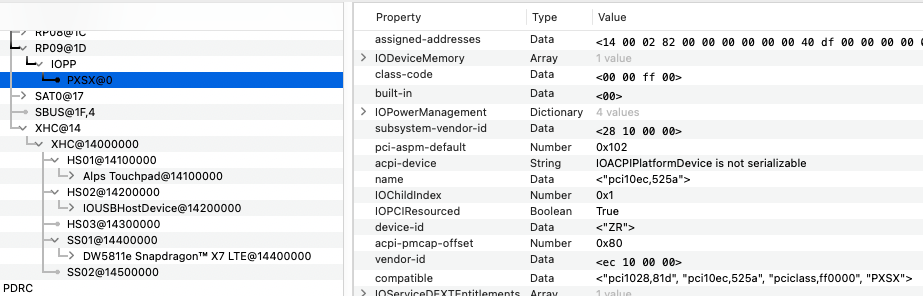
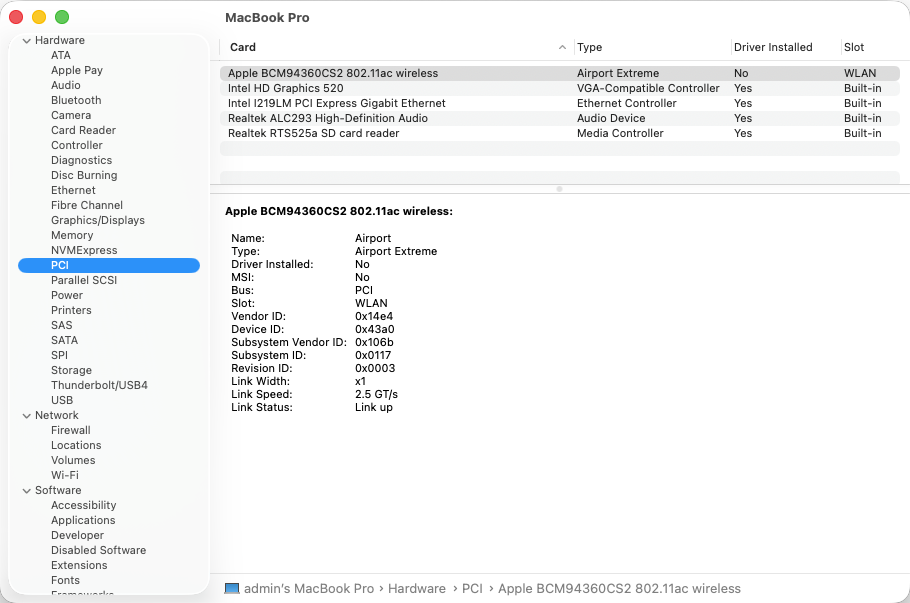
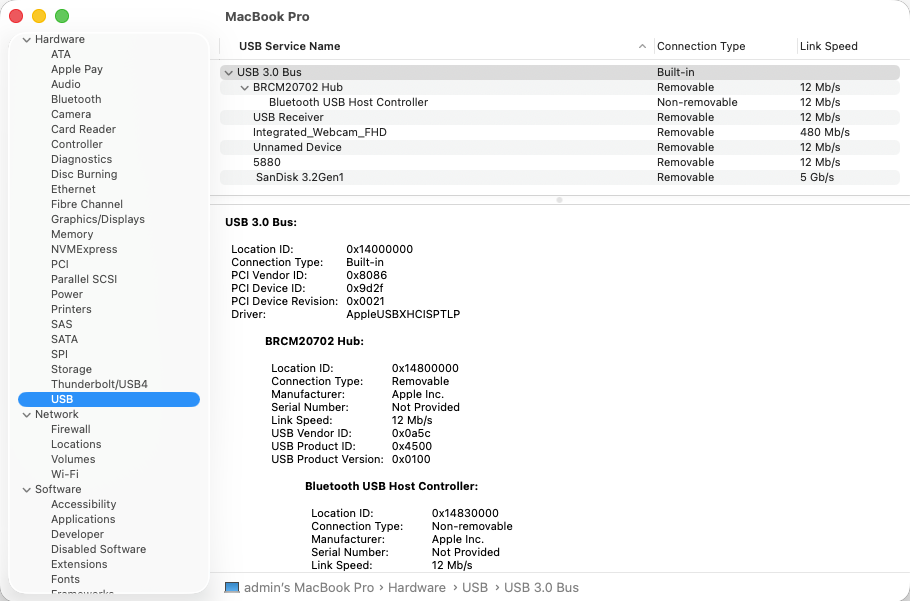
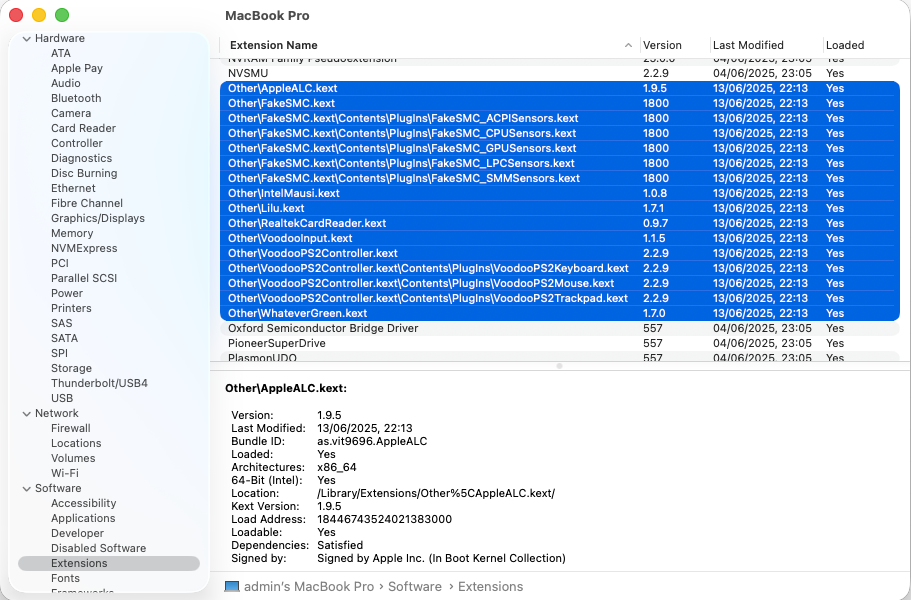
Camera is not detected at all. Given that I see no camera device at PCI level, it can only be USB based as expected but it's not seen, probably due to incorrect USB ports mapping or conflicting settings. I see some incorrect setup in your config: macmini8,1 SMBIOS is, for me, incorrect and you should be using an MBP profile such as MBP15,x or MBP16,x. you inject USBInjectAll and USBPorts kexts + USBToolBox kexts; that's wrong to me. You should not be using USBInjectAll with other stuff. Ideally, map your ports according to the well known process; using Hackintool app for instance. I'm pretty sure you'll recover the camera once that's properly done. On the 7490 I once had and my current E7270, all I used/use is USBInjectAll with MBP13,x/14,x/15,x/16,x SMBIOS and the camera always worked/works: you have XhciPortLimit quirk enabled; from memory, this should now be disabled. Personally, I've never had time to use it. On other matters, I see that your 5290 has a Realtek RTS525a card reader but no kext for it, so it's unusable at the moment. But maybe you don't care about that device.
-
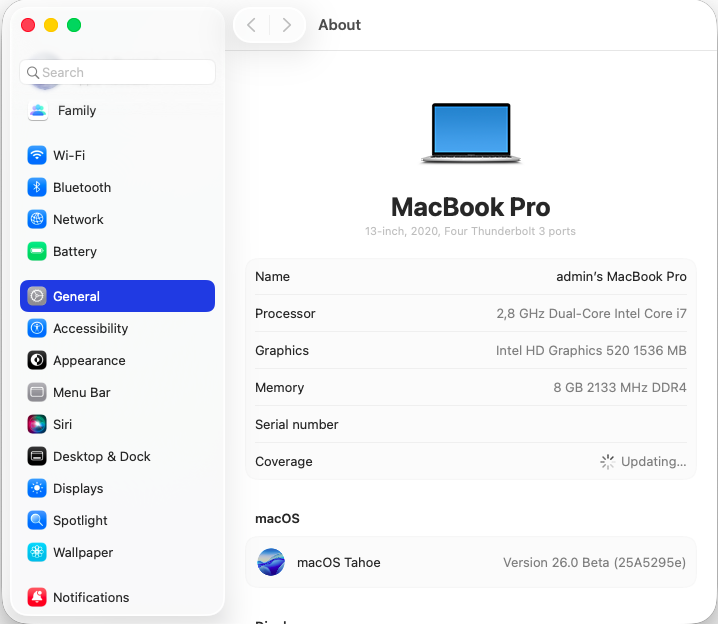
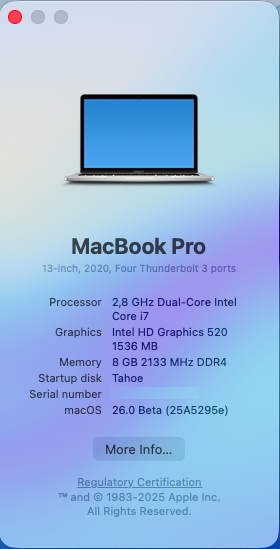
Released June 23rd, 2025. Build 25A5295e. Available through OTA updates. Straight updates with 3 reboots to complete. Same bootpack as used for beta 1. Findings/bugs: Audio is gone because AppleHDA is missing from /S/L/E Firevault is enabled by default; this is quite annoying New and improved desktop widgets management etc. Apart from the loss of audio and the absence of support for legacy Broadcom Wifi, all the rest is working relatively fine on my Latitude E7270.
-
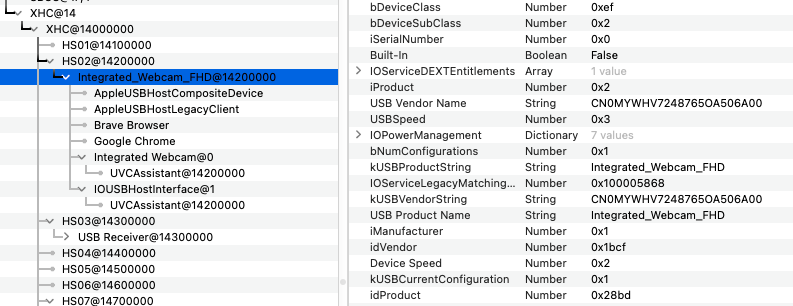
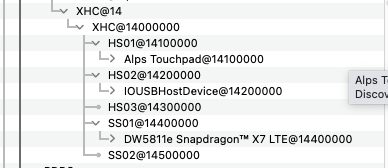
Hello, can't see any reason why a MacBookPro SMBIOS would not work. But you're not posted anything regarding your setup so start with: hardware specs of your machine zipped copy of your EFI folder (OpenCore? Clover?) zipped copy of saved SysInfo output zipped extract of IOReg from an app such as IORegistryExplorer Webcam usually are USB-based and, provided you've properly mapped your USB ports, should work either OOB or not at all.
-
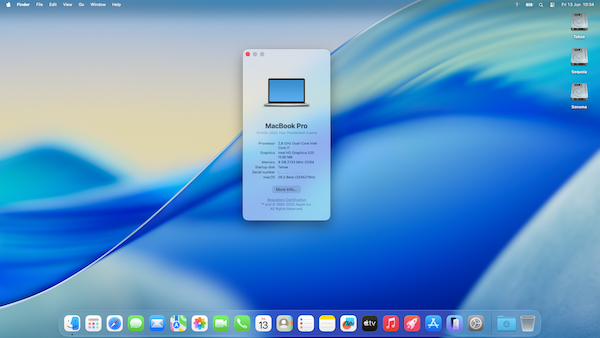
 WWDC Keynote, June 9th, 2025. Apple unveiled macOS 26 Tahoe. As usual, 1st beta version was immediately made available to developers and 1st public beta will be available in July with a final release in the fall. The major novelty is Liquid Glass that replaces Aqua. And the version numbering, of course, which Apple will now unify across the board (macOS, iOS, etc.). As expected, this is the very last macOS version to support Intel platforms; it will therefore put the final nail in the coffin of Hackintoshing on Intel platforms; after nearly 20 years, it will have been a good run! Tahoe drops support for all systems older than 9th gen. Coffee Lake, 10th gen. Comet Lake/Ice Lake and Cascade Lake platforms, i.e. those 8th gen. Coffee Lake MacMini8,1/MacBookPro15,x/iMac19,x and Skylake iMacPro1,1 that had remained supported in Sequoia. Surprisingly, 10th gen. Ice Lake MacBookAir9,1 laptops appear dropped too but, given that 2020 ICL-based MBP16,2 remain supported, those last Intel MBA should nevertheless be able to run Tahoe too -to be confirmed-. Minimum Intel platform requirements are therefore: iMac20,x (10th gen. Comet Lake) MacBookPro16,1 (9th gen. Coffee Lake) MacBookPro16,2 (10th gen. Ice Lake) MacPro7,1 (Cascade Lake)
 -
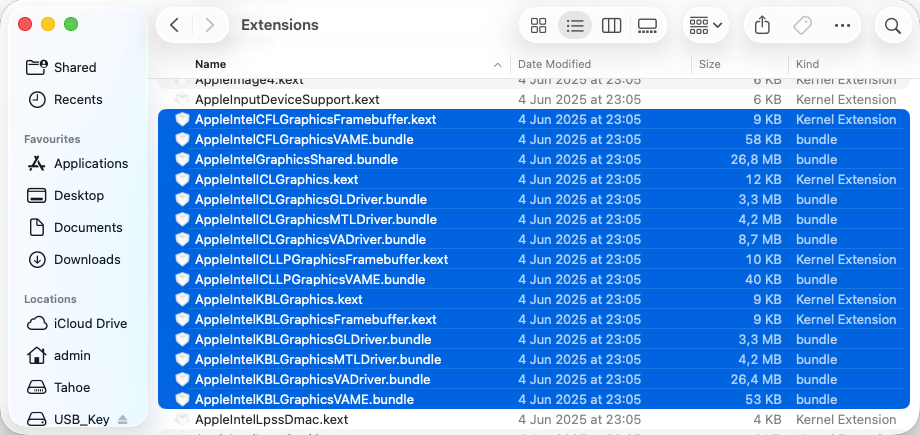
 Released Sep. 16th, 2024. Version 15.0, build 24A335 (same as RC published Sep. 10th). Sequoia drops official support for Amber Lake MacBook Air8,1/8,2 thereby raising the minimum MacBook Air platform to final 2020 Ice Lake-based MBA9,1. The rest of the supported platforms remain identical to Sonoma. Support for Kaby Lake graphics remain provided with all KBL kexts still present so good news to all owners of Skylake laptops who will all be able to run Sequoia with full acceleration through the SKL graphics patch required since Ventura. For other iGPUs, patches are available through OCLP tool to regain graphics acceleration. Officially supported Intel platforms are now limited to : iMac19,x (8th gen. Coffee Lake) iMac20,x (10th gen. Comet Lake) iMacPro1,1 (Skylake Xeon) MacBookPro15,x (8th gen. Coffee Lake) MacBookPro16,x (9th gen. Coffee Lake and 10th gen Ice Lake) MacBookAir9,1 (10th gen. Ice Lake) Macmini8,1 (8th gen Coffee Lake) MacPro7,1 (Cacade Lake) With Sequoia, Apple introduced artificial intelligence features that are only available to Apple Silicon models. Intel platforms are not compatible with these. NB: macOS Monterey is now officially unsupported.
 -
 Once OCLP is updated for Tahoe, it should be good too.
 -
Restoring support for dropped GPUs in macOS Tahoe. Tahoe did not drop additional GPUs. As such, the same patches that applied to Ventura, Sonoma and Sequoia can be expected to apply to Tahoe. OCLP will require updating for Tahoe. Meantime, for Skylake iGPUs, the same good old patches can be applied to obtain full graphics acceleration in Tahoe, i.e. fake KBL graphics.
-
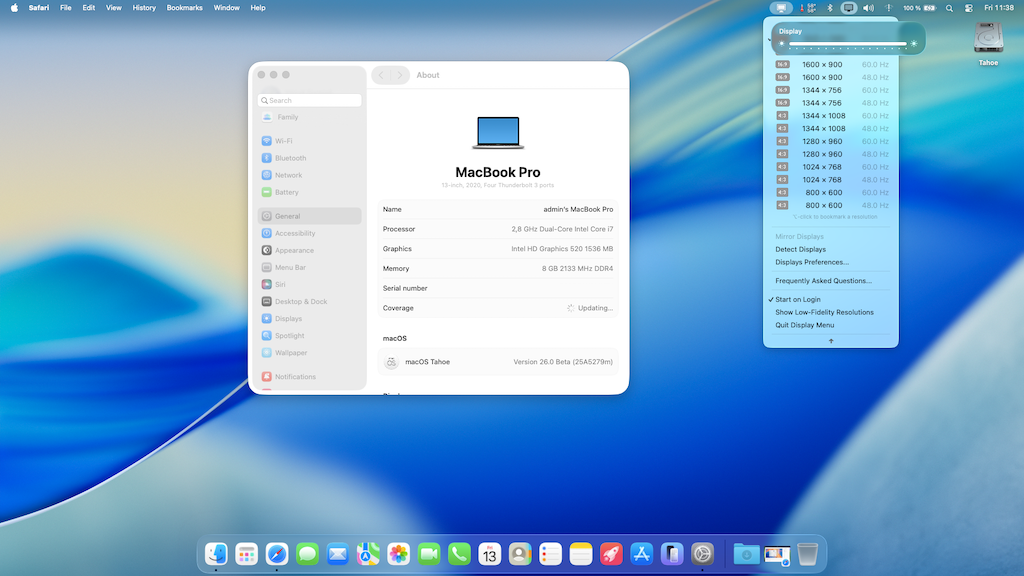
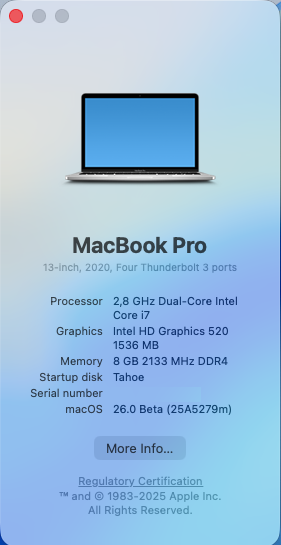
List of dropped platforms for this last Intel-compatible macOS version extends to 8th gen. Coffee Lake Macs and 10th gen. Ice Lake MacBookAir9,1. Surprisingly, good news again for Skylake platforms, given that KBL graphics drivers are again retained. As such, SKL graphics remain supported through the same patches used for Ventura, Sonoma and Sequoia. On the wireless front, OCLP patcher will need to be updated for Tahoe so that legacy Broadcom cards are supported again. Users will notice a very different graphics design, from the Finder's bar (background can be displayed or hidden) to the shape & look of the Windows, the file icons and animations such as brightness or audio control. And kexts for USB ports mapping won't work properly but patched ACPI table SSDT-UIAC does, so use that meantime. It can easily be generated with tools such as Hackintool for instance. Installation on my Skylake Latitude E7270 was fairly straightforward once I had the right commit of Clover r5162: from Sequoia, I updated Clover to attached version revised to boot Tahoe, changed my Clover config's SMBIOS to MBP16,2 (necessary), disabled the BlockSkywalk kernel & kext patch (necessary) and updated Lilu & Plugins and other kexts to the versions provided by @Lorys89 here and at InsanelyMac (to avoid using boot arg -lilubetaall). I then rebooted Sequoia, downloaded the Tahoe beta installation package (though software update) and launched the installation targeting a dedicated Tahoe volume (previously created in Disk Utility). That was it and, after a couple of reboots, I was offered the Tahoe setup screens and reached the Tahoe desktop. Resources: Tahoe beta 1 installation package can be downloaded here. Clover_r5162.pkg.zip E7270_Clover_Pack_Tahoe_26.0.b1.zip Working from the onset: graphics acceleration with same KBL settings as in Ventura/Sonoma/Sequoia brightness control HDMI output mini-DP output touchscreen touchpad audio (incl. DP/HDMI audio) LAN Apple (Broadcom) BCM94360CS2 Bluetooth USB ports SD card reader full CPU power management with lower idle rate @800MHz when CPU never runs lower than 1,2GHz in previous macOS versions sleep & wake (having disabled hibernation) Not working: Apple (Broadcom) BCM94360CS2 wireless, as per Sonoma and Sequoia. We'll have to wait for the OCLP patcher to be updated for Tahoe. Meantime, it's important not to boot with the BlockSkywalk kernel & kext patch and/or with AMFI prevention or Tahoe will KP/fail to boot. Some bugs here and there. Graphics not entirely stable.
-
WWDC Keynote, June 9th, 2025. Apple unveiled macOS 26 Tahoe. As usual, 1st beta version was immediately made available to developers and 1st public beta will be available in July with a final release in the fall. The major novelty is Liquid Glass that replaces Aqua. And the version numbering, of course, which Apple will now unify across the board (macOS, iOS, etc.). As expected, this is the very last macOS version to support Intel platforms; it will therefore put the final nail in the coffin of Hackintoshing on Intel platforms; after nearly 20 years, it will have been a good run! Tahoe drops support for all systems older than 9th gen. Coffee Lake, 10th gen. Comet Lake/Ice Lake and Cascade Lake platforms, i.e. those 8th gen. Coffee Lake MacMini8,1/MacBookPro15,x/iMac19,x and Skylake iMacPro1,1 that had remained supported in Sequoia. Surprisingly, 10th gen. Ice Lake MacBookAir9,1 laptops appear dropped too but, given that 2020 ICL-based MBP16,2 remain supported, those last Intel MBA should nevertheless be able to run Tahoe too -to be confirmed-. Minimum Intel platform requirements are therefore: iMac20,x (10th gen. Comet Lake) MacBookPro16,1 (9th gen. Coffee Lake) MacBookPro16,2 (10th gen. Ice Lake) MacPro7,1 (Cascade Lake) View full article
-
Check whether Bluetooth is enabled or not in your BIOS settings. Could be disabled given that the MAC address of your module is not detected. No other Wifi/BT device in your E6440 that could interfere, right?
-
Hello, it's been some time since I last used a non-Apple Wifi/BT card but I noticed the 2 following elements in your OC config file. You don't inject the Bluetooth injector kext, having limited this to macOS Big Sur (20.9.9). Are you certain you don't need it? The BT chip used on the DW1550 is clearly present in the injector: <key>413c_8143</key> <dict> <key>CFBundleIdentifier</key> <string>com.apple.iokit.BroadcomBluetoothHostControllerUSBTransport</string> <key>IOClass</key> <string>BroadcomBluetoothHostControllerUSBTransport</string> <key>IOProbeScore</key> <integer>3000</integer> <key>IOProviderClass</key> <string>IOUSBHostDevice</string> <key>idProduct</key> <integer>33091</integer> <key>idVendor</key> <integer>16700</integer> </dict> What does this NVRAM property do?
-
Not a guide! -> moved to support section. A zipped copy of your OpenCore EFI folder with indication of the OpenCore version you use would be useful.
-
Is the disk visible in BIOS Setup? DU should show all disks, no matter the partitioning/contents. Maybe your SSD has gone faulty and that's what caused the OpenCore error rather than the other way round. I take it that your E6430 is fitted with 2 disks: one in the usual SATA slot and the other in the modular bay, right? If so, maybe you can try to swap them around to check things out. Then, it'll depend on which one carried the bootstrap of course. If I remember correctly, disks fitted into the modular bay required a patch of some sort to be seen in OS X/macOS.
-
Where is your macOS Ventura partition supposed to be? On the internal disk labelled ST500LM021-1KJM52? What is shown/listed when you select that disk? It would also be most useful if you could list what you did in terms of actions re: "updating OCLP". Was it just the config file you modified or did you update your OpenCore and/or OCLP version?
-
Dell Precision 7530: success with macOS Sequoia
Hervé replied to cbushjr56's topic in Precision x000 Series
Congrats. -
That setup suggestion with a SKL setup + dummy framebuffer id then a SKL framebuffer + screen sharing/VNC then OCLP really is most complicated when you can directly opt for a KLB framebuffer + a faked KBL GPU id from the onset. All details have been available for some time in old threads such as this one or this one; in other words, the exact same graphics settings that are to be used since Ventura which dropped official support for SKL graphics. All details available here. In a nutshell, simply use a KBL laptop setup.
-
AR5B22: How to get it working in High Sierra?
Hervé replied to Lost-Entrepreneur439's topic in Wireless & Bluetooth
Not all computers are worthy Hackintoshes... -
AR5B22: How to get it working in High Sierra?
Hervé replied to Lost-Entrepreneur439's topic in Wireless & Bluetooth
These cards were always best avoided. https://osxlatitude.com/forums/topic/11138-inventory-of-supportedunsupported-wireless-cards-2-sierra-ventura-beyond -
[Solved] Thinkpad x390: HDMI output not working
Hervé replied to pawan2joy's topic in Lenovo systems
You inject property: disable-external-gpu Does your Thinkpad have a dGPU? If so, HDMI may be wired to it. -
Mounty: problem mounting NTFS partitions as writable in Sequoia 15.1
Hervé replied to karahanzorbey's topic in The Archive
https://mounty.app/#FAQs Have you tried contacting the tool's developer or reading the posted comments? I would also suggest that you check if the necessary driver got installed properly and not blocked by Gatekeeper. See our Sequoia beta 3 thread in the archive. You may need to upload a modified profile.
-
[Solved] Thinkpad x390: HDMI output not working
Hervé replied to pawan2joy's topic in Lenovo systems
Sorry but I don't understand what you're saying about HDMI. IOReg shows that you most certainly did remove all the unnecessary stuff from your config but no external screen attached to con1 or con2. Were you trying to say that your laptop froze or crashed when you plugged in an HDMI cable/screen? If so, try and patch con1's pipe as follows: framebuffer-con1-pipe 12000000 DATA Re: camera not working, you probably need to remap your USB ports after changing SMBIOS. -
I would personally never claim that that every manufacturer provided VGA in the manner you state and they certainly did not convert VGA to something else internally: it's the other way round: digital to analog conversion of the signal. Dell (and obviously some others) have indeed done so from a DP output. If it were the case in your Acer desktop, you'd already have VGA output. But you don't, so... As I said, you could try and bypass AGDP but you may also experiment with various patches of your 1st and/or 3rd connector knowing that port 0 is always LVDS/eDP but "standard" ports 5, 6 and 7 (i.e. connectors with indexes 1, 2 and 3) are used for other types. Of course, you can create your own connectors through various combinations of indexes and BusId. You use KBL FB 0x59120000 in which you simply patch con1/port6 to HDMI type: ID: 59120000, STOLEN: 38 MB, FBMEM: 0 bytes, VRAM: 1536 MB, Flags: 0x0000110B TOTAL STOLEN: 39 MB, TOTAL CURSOR: 1 MB (1572864 bytes), MAX STOLEN: 115 MB, MAX OVERALL: 116 MB (122171392 bytes) Model name: Intel HD Graphics KBL CRB Camellia: CamelliaDisabled (0), Freq: 1388 Hz, FreqMax: 1388 Hz Mobile: 0, PipeCount: 3, PortCount: 3, FBMemoryCount: 3 [1] busId: 0x05, pipe: 9, type: 0x00000400, flags: 0x00000187 - ConnectorDP [2] busId: 0x04, pipe: 10, type: 0x00000400, flags: 0x00000187 - ConnectorDP [3] busId: 0x06, pipe: 10, type: 0x00000400, flags: 0x00000187 - ConnectorDP 01050900 00040000 87010000 02040A00 00040000 87010000 03060A00 00040000 87010000 To give you a practical example, as described in my initial Ventura beta early findings thread, I use KBL mobile FB 0x5916000 on my SKL Latitude E7270 laptop and just patch con1/port6 to HDMI type in order to obtain HDMI audio. ID: 59160000, STOLEN: 34 MB, FBMEM: 0 bytes, VRAM: 1536 MB, Flags: 0x00000B0B TOTAL STOLEN: 35 MB, TOTAL CURSOR: 1 MB (1572864 bytes), MAX STOLEN: 103 MB, MAX OVERALL: 104 MB (109588480 bytes) Model name: Intel HD Graphics KBL CRB Camellia: CamelliaDisabled (0), Freq: 1388 Hz, FreqMax: 1388 Hz Mobile: 1, PipeCount: 3, PortCount: 3, FBMemoryCount: 3 [0] busId: 0x00, pipe: 8, type: 0x00000002, flags: 0x00000098 - ConnectorLVDS [1] busId: 0x05, pipe: 9, type: 0x00000400, flags: 0x00000187 - ConnectorDP [2] busId: 0x04, pipe: 10, type: 0x00000800, flags: 0x00000187 - ConnectorHDMI 00000800 02000000 98000000 01050900 00040000 87010000 02040A00 00080000 87010000 KBL FB 0x591B0000 is the default one for laptops, according to the WEG user manual: ID: 591B0000, STOLEN: 38 MB, FBMEM: 21 MB, VRAM: 1536 MB, Flags: 0x0000130B TOTAL STOLEN: 39 MB, TOTAL CURSOR: 1 MB (1572864 bytes), MAX STOLEN: 136 MB, MAX OVERALL: 137 MB (144191488 bytes) Model name: Intel HD Graphics KBL CRB Camellia: CamelliaDisabled (0), Freq: 1388 Hz, FreqMax: 1388 Hz Mobile: 1, PipeCount: 3, PortCount: 3, FBMemoryCount: 3 [0] busId: 0x00, pipe: 8, type: 0x00000002, flags: 0x00000098 - ConnectorLVDS [2] busId: 0x04, pipe: 10, type: 0x00000800, flags: 0x00000187 - ConnectorHDMI [3] busId: 0x06, pipe: 10, type: 0x00000400, flags: 0x00000187 - ConnectorDP 00000800 02000000 98000000 02040A00 00080000 87010000 03060A00 00040000 87010000 but, if I use it, I get no HDMI output unless I patch con1 to index 1, BusId 5 and pipe 9. DP output works with either port 6 or 7.
-
I'm surprised such questions still arise today. There's been no native or official support for VGA output off Intel iGPUs in Apple Mac operating system for years. Last Intel iGPUs on which framebuffer patches applied to obtain VGA output was Sandy Bridge HD3000 (and, from memory, Ivy Bridge HD4000 up to Lion or very early versions of ML). Your reasoning when booting in VESA mode is incorrect, your information and understanding being wrong on the matter. (Accelerated) VGA output just happens to work on HD4400 laptops and on some later laptops but it does so OOB and IO consultation then shows the port attached to a connector natively listed as a DP output. I guess it's possibly some signal conversion. This being said, afaik, you will find no patch to get VGA working off the iGPU of your KBL desktop, i.e. If it does not work OOB, It won't work at all. I don't follow your rationale for a 4th connector when you can simply patch the 1st or 3rd one (i.e. con0 or con2) to modify them, whether the mod relates to the type, BusId, index, etc. A 4th connector would be of absolute no use re: VGA output and would not make no difference at all. It would only be useful if you actually had 4 supported video outputs and wanted to use them all. This would require you to patch your selected framebuffer accordingly (see our SNB/HD3000 patching guide for reference). Happy to be proven wrong on the VGA patch after more than 10 years of course but if it is multi-screen with HDMI and VGA monitors you're after, get a cheap AMD card like an RX560 for instance (VGA/DP/HDMI outputs being all supported). Or if you have other ports such as DVI, DP or even a 2nd HDMI output, use an active adapter to attach to your VGA screen. One thing you could try though, because I just remembered it fixed an issue I had with DVI output on my Haswell laptop when I had it, is to disable/bypass AGDP checking. Patch is detailed in my old Haswell iGPU patching guide.