
Hervé
-
Posts
10098 -
Joined
-
Last visited
-
Days Won
569
Content Type
Profiles
Articles, News and Tips
Forums
Everything posted by Hervé
-
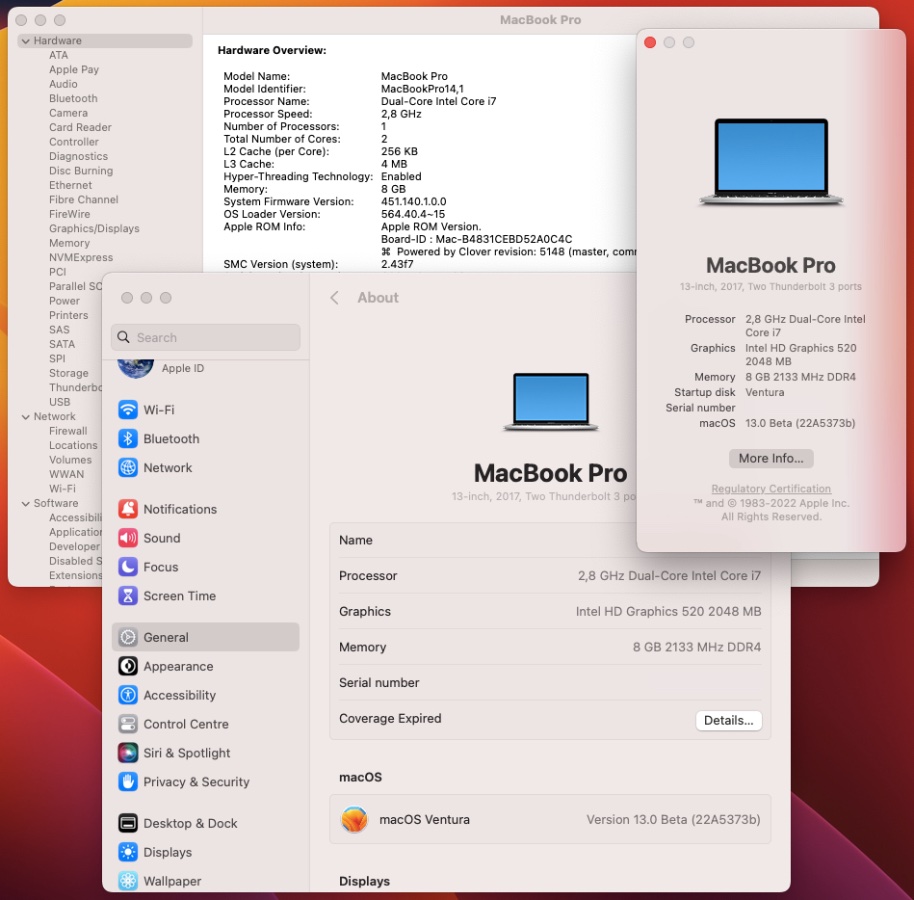
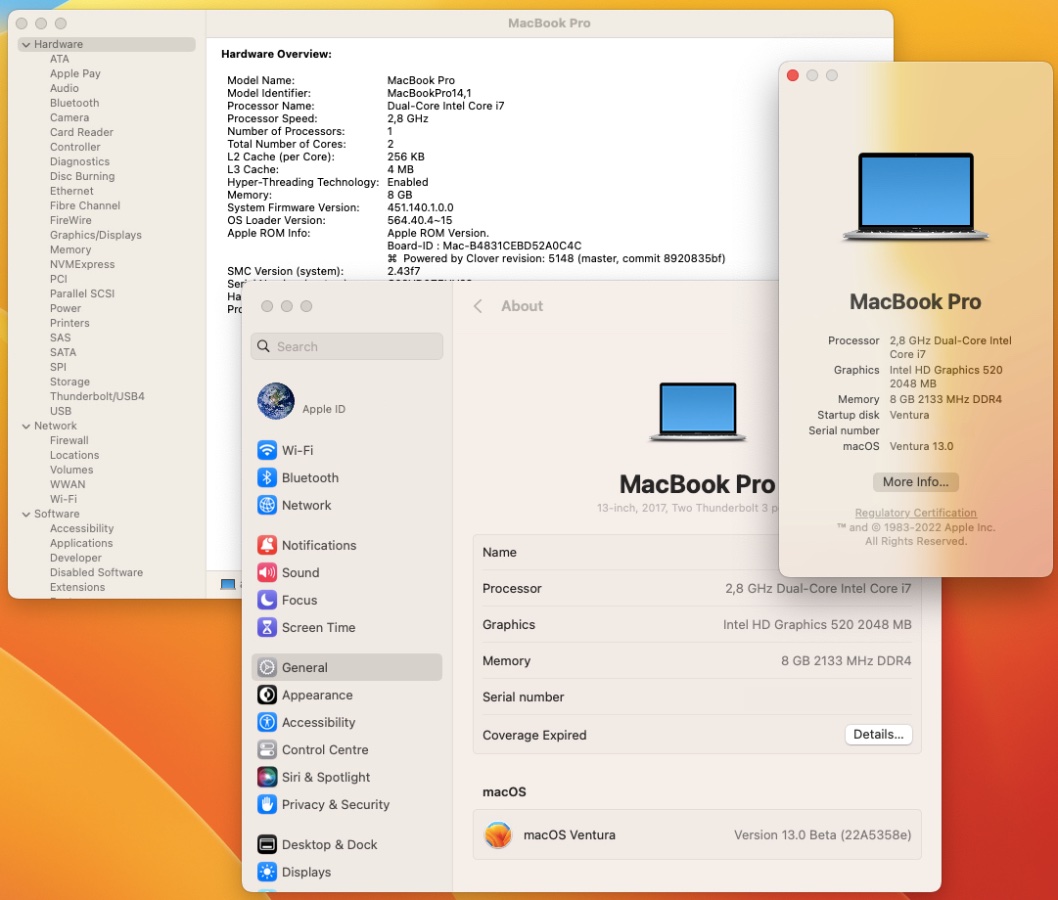
Released Oct. 11th, 2022. Build 22A5373b. Ok on my Skylake/HD520 Latitude E7270 with exact same/unmodified Clover r5148 setup previously used for 13.0 beta 3 to 10. Everything working as before.

-
Then don't even try to do anything on the matter.
-
You're probably mistaken re: DSDT and ACPI tables in general... There's absolutely nothing to do with the ACPI tables you extracted. They're an integral part of your computer's BIOS so they load at power-on/boot time. As such, placing unmodified tables is the ACPI folder of your bootloader's EFI folder is of no use at all. It'd be as useful as applying a Dell sticker on top of the Dell logo already present on your laptop if you get my meaning. Only patched tables are of use and are to be placed in the EFI/ACPI folder.
-
You just need to look them up in the various 7280 threads that exist on the forum. No-one published a specific guide here for this model unfortunately. Eg: What did you initially follow to install macOS on your laptop? @Lorys89 has a guide with all-inclusive SSDT here and brightness control is stated to be fully working. Maybe there's something not correctly set in your BIOS though I doubt it.
-
See my Ventura beta 3 thread.
-
Probably something else fishy in that all-inclusive SSDT of yours.
-
Try these where I've removed references to GFX0 and replaced them by IGPU in the SSDT-PNLF table + renaming of GFX0 to IGPU in the OC config. Adjusted_config_ACPI_tables.zip
-
Released Oct. 4th, 2022. Build 22A5365d. Ok on my Skylake/HD520 Latitude E7270 with exact same/unmodified Clover r5148 setup previously used for 13.0 beta 3 to 9. Everything working as before.
-
I'm pretty sure your PNLF patched device des not attach to the iGPU. Please post a zipped copy of your bootloader's ACPI folder + config file.
-
You really should post your stuff because you've lost me here... Ideally, save an IOReg output from IORegistryExplorer app, zip it and attach it. You made a typo in your revised set of iGPU injected properties. It's of no consequence to your LCD display but it's likely to prevent HDMI output.
-
I recommend you start with a basic set of graphics properties injection rather that what you currently use and that may be inadequate. I suggest you stick to the following set of properties and comment out all the rest of your properties by placing a # character in front of the keys: AAPL,ig-platform-id 00001659 DATA framebuffer-patch-enable 1 NUMBER framebuffer-fbmem 00009000 DATA framebuffer-stolenmem 00003001 DATA framebuffer-con1-enable 1 NUMBER framebuffer-con1-type 00080000 DATA You may then consider commenting out the PNLF section of your all-inclusive SSDT and add a SSDT-PNLF standard table that you may grab off the Dortania repo.
-
For HD620 graphics, you should be injecting KBL frame buffer 0x59160000. 0x591b0000 is for HD630 though it's highly likely to work nevertheless. HD620 iGPU of i5-7300u CPU carries PCI id 0x5916 so no need to inject this of course (but doing it will cause no harm).
-
You don't even appear to have graphics acceleration in place so talking about brightness control may be a bit premature here...
-
Adding a separate SSDT-PNLF is not going to work because ACPI operation will probably prevent injecting a 2nd PNLF device having already a patched one. As for deleting your existing SSDT, I could not possibly recommend it because you have one of those all-inclusive SSDTs that includes several other patches that are usually provided individually through separate SSDTs; so if you remove your current patched table to replace it by a PNLF SSDT only, you'll probably break your Hack. What you may consider though in such situation is either: replace the PNLF contents of your current all-inclusive SSDT by that of a dedicated SSDT-PNLF or switch back to a more traditional set of individual SSDT patched tables which allows you to know exactly what you've got in terms of patches Whatever you choose to do, do it through a bootable USB key. Some people are fans of this sort of all-inclusive SSDTs but I'm of the opinion that they cause more trouble than good because, like distros, you never know what's inside until you carefully look at the code they contain.
-
PNLF section of your all-inclusive SSDT looks a bit short to me... I invite you to compare with the more "regular/usual" SSDT-PNLF recommended/available for KBL platforms. https://dortania.github.io/OpenCore-Install-Guide/config-laptop.plist/kaby-lake.html https://dortania.github.io/Getting-Started-With-ACPI/ssdt-methods/ssdt-prebuilt.html#laptop-skylake-and-kaby-lake https://github.com/dortania/Getting-Started-With-ACPI/blob/master/extra-files/compiled/SSDT-PNLF.aml
-
There's nothing specific about KBL HD620 graphics as far as 1920x1080 and Monterey are concerned. The graphics settings remain the same whatever the macOS version.
-
-> moving to correct Latitude 7xxx forum section. Plenty of thread/topics and available Clover or OpenCore bootlicks (EFI folders) for Kaby Lake Latitude 7280 on the forum. Please use the forum search facility and try and post in the correct sections.
-

Latitude 7420: where can I start building hackintosh on it?
Hervé replied to Abdullah5490's topic in The Archive
-> moving this topic to Latitude 7xxx section and adjusting title since it's a Latitude 7420, not an E7420 (which does not exist). You won't find much topics nor guides for this model simply because it's not supported. Before the switch to Apple Silicon, last Intel MacBook computers (2020) were based on 8th/9th gen Coffee Lake hardware (MacBook Pro) and 10th gen Ice Lake hardware (MacBook Air). As such, macOS has no support for graphics/iGPUs of Intel 11th gen CPUs. Sorry for the bad news but you can forget about running macOS on your Latitude 7420 laptop. I invite you to consult the various threads we have posted in our Technical information section where you'll find lots of information about supported Intel platforms, supported GPUs, associated OS X/macOs versions, etc. -
OpenCore 0.8.5 can be assumed to correct, not a typo; you're probably not looking at the right place for it or not aware of it. Acidanthera's Github repo is where the OC packages are posted every month once officially released. Version 0.8.5 will be published there in October. You may still get the pre-release builds from the Dortania Github repo. The OC reference manual has already been updated to v0.8.5. I suggest you post your E7270 pre-Ventura issues in your own thread in order to avoid polluting this one which is about an HP laptop. Closing it.
-
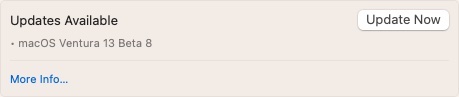
Released Sept. 27th, 2022. Build 22A5358e. Ok on my Skylake/HD520 Latitude E7270 with exact same/unmodified Clover r5148 setup previously used for 13.0 beta 3 to 8. Everything working as before.
-
-> moved to Booloaders section. Your config shows you've opted for picker mode external, i.e. the OpenCore GUI. Make sure you've updated your OC Resources folder to the relevant one for OC v0.8.4. When you update OC, you have to update everything. https://dortania.github.io/OpenCore-Post-Install/cosmetic/gui.html#setting-up-opencore-s-gui https://github.com/acidanthera/OcBinaryData/archive/refs/heads/master.zip
-
-> Topic moved to Ventura beta section since macOS 13.0 remains in pre-release/beta stage to date. Congrats! See how simple it was? And, of course, it's full graphics acceleration on Intel HD520, not Intel HD620 since your platform is and remains Skylake not Kaby Lake; faking KBL iGPU does not change anything in that respect. As such, I'd have avoided injecting "Intel HD Graphics 620" iGPU model in your OC config. Just to avoid confusion really but it's only cosmetic... NB: you mention using a DW1560 wifi card but, on Github, you listed an Apple BCM94360CS2 in your system specifications.
-
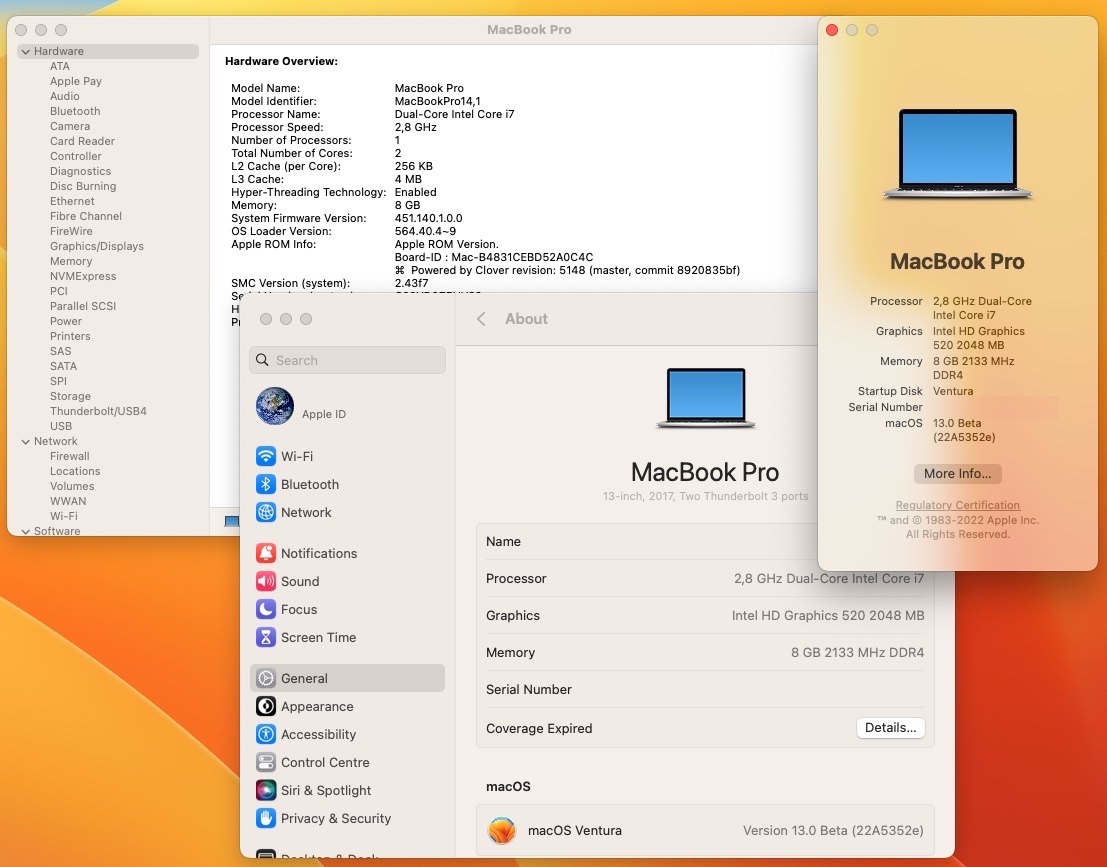
Released Sept. 20th, 2022. Build 22A5352e. Ok on my Skylake/HD520 Latitude E7270 with exact same/unmodified Clover r5148 setup previously used for 13.0 beta 3 to 7. Everything working as before.
-
Not really because neither the APU nor the nVidia dGPU of your Ideapad has support under macOS. Sorry. You could probably install macOS but it would run like crap and be very buggy without graphics acceleration so you'd probably quickly hate it. Best place for AMD Hackintosh: https://amd-osx.com
-
How to Spoof HD520 to HD620 in Monterey in preparation for Ventura?
Hervé replied to yahgoo's topic in The Archive
You've tested things in preparation of Ventura, great even if a little odd doing this with Monterey rather than with a Ventura beta build. But, as I said, why not? The boot arg -igfxsklaskbl won't be necessary in Ventura. However, this is obviously not the proper way to run Monterey at all on a fully supported Skylake platform. Changing thread title to reflect true situation and closing this topic.